Seven Free Lydtrold Plugins Bring AAX DSP Tools to Pro Tools HDX
Lydtrold’s seven free AAX DSP plugins cover tone, dynamics, reverb and metering, with compatibility notes and practical listening impressions.
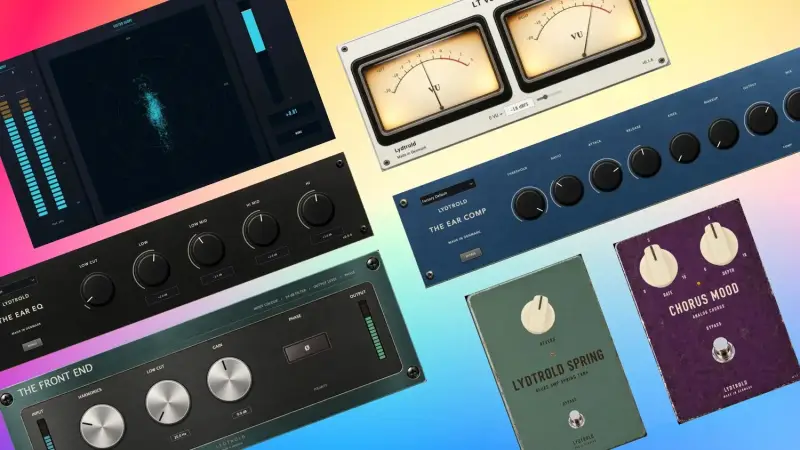
Free AAX DSP plugins are uncommon, which makes Lydtrold’s seven-tool collection relevant to Pro Tools HDX and Avid Carbon users. The set spans input shaping, EQ, compression, modulation, spring reverb and stereo metering. All seven also run in Native formats, so they can fit into sessions that move between DSP hardware and native processing.
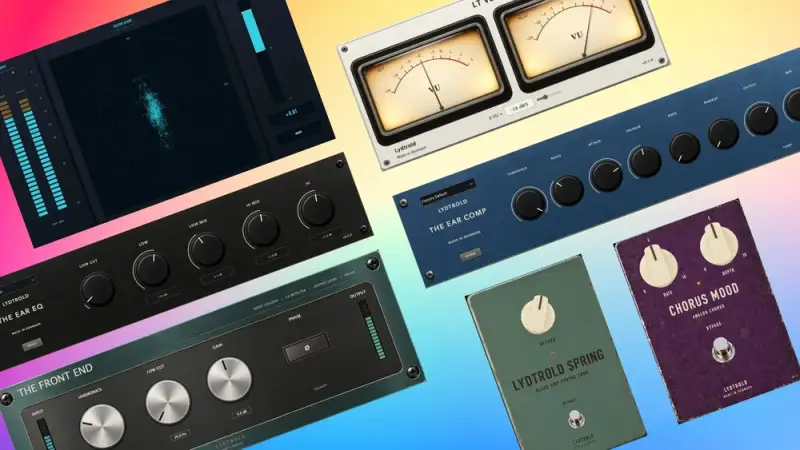
The collection is part of a free set of 16 Lydtrold plugins, all of which support AAX Native. The seven covered here are also available in AAX DSP, alongside AU and VST versions. The reviewer, an HDX user, tried each one and supplied audio examples; his impressions point to a few straightforward utilities, plus one processor that needs careful gain staging.
Utility processors built around listening
Three of the plugins favor direct controls over numerical displays. That approach can make quick adjustments feel immediate, though it asks the engineer to work by ear rather than recall exact values from a readout.
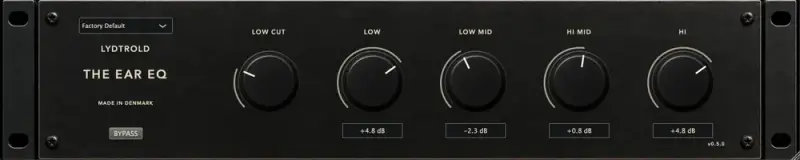
The Ear EQ is designed for tonal balancing without frequency labels on its controls. Its compact layout pairs a low-cut filter with four musical EQ bands. The reviewer found the EQ pleasant and musical in use. For engineers who prefer to shape a track by listening instead of targeting displayed frequencies, the design keeps the interface uncluttered.
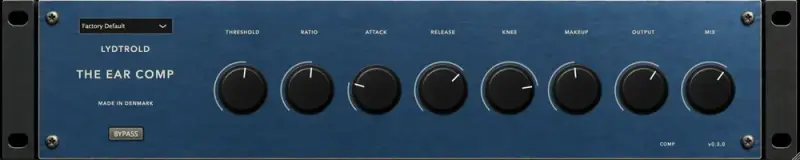
The Ear Comp takes a similar approach to dynamics, with eight controls that have no numerical markings. It includes an external key input for sidechain use and a Mix control for blending compressed and dry signals. The reviewer noted that working without familiar visual cues such as gain reduction made him listen more closely. He singled out the Mix control as especially useful for parallel compression, where setting the balance directly can speed up the blend.
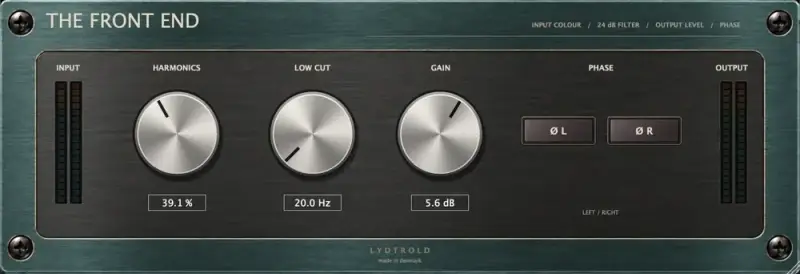
The Front End combines several input-stage tasks in one plugin: harmonic coloration, a low-cut filter with a 24 dB/octave slope, gain and independent polarity control. That makes it a practical first insert for shaping a source and correcting polarity. The reviewer found the harmonic section easy to overload and had to lower clip gain because the plugin has no input gain control. He also noted that it lacks an internal bypass switch, so he used Pro Tools’ plugin bypass. Its coloration may suit some sources and workflows better than others; audition it at conservative levels before committing to the effect.
Modulation and spring reverb
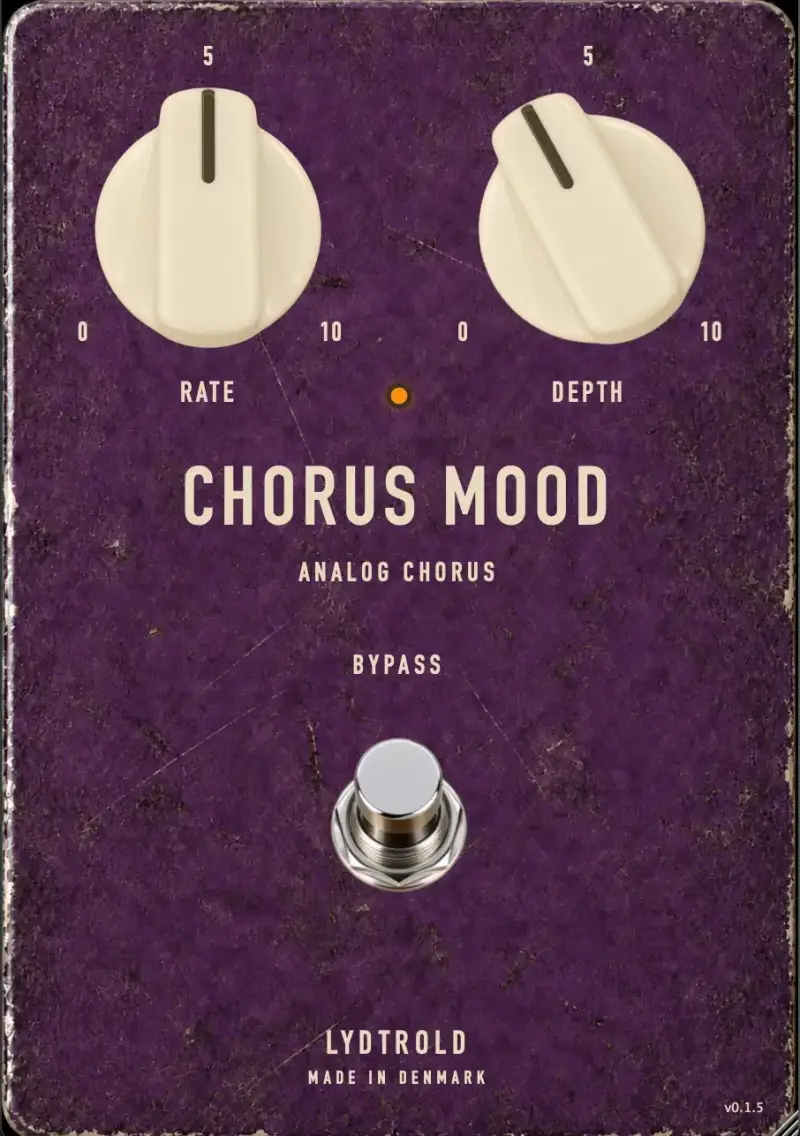
Chorus Mood is an analogue-style chorus for guitar, keyboards and synthesizers, controlled with just Rate and Depth. The reviewer liked the lush result and the plugin’s direct operation. With no extra parameters to manage, it offers a quick way to add movement to a part, whether it’s running natively or on an HDX or Carbon system.
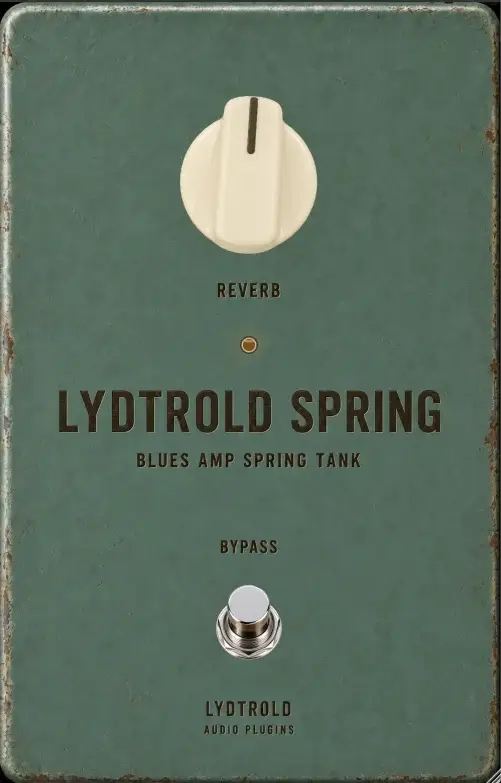
Lydtrold Spring models a blues-amp-style spring reverb and keeps its main control to a single Reverb knob. The reviewer has a personal history with spring units, but said this one had an interesting sound despite spring reverb not being his preferred type. The simple control layout makes it easy to audition as an effect on guitar or other sources without building a larger reverb setup.
Metering for level and stereo checks
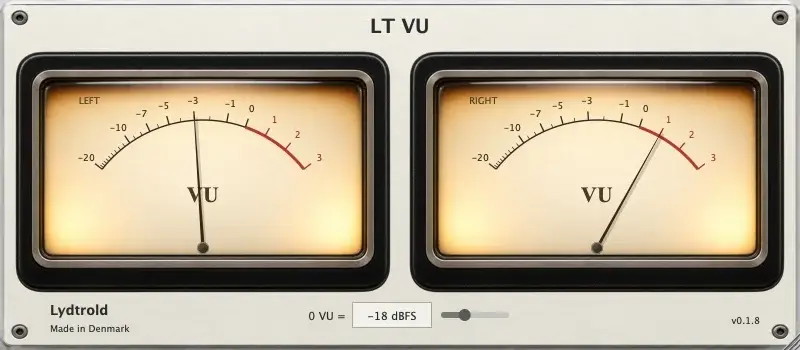
LT VU displays average signal level through mono or stereo VU meters, with an adjustable reference level. The reviewer generally prefers BBC PPM meters and is wary of plugin needles that move jerkily. LT VU changed his mind on the display: he praised the smooth needle movement and also liked being able to show RMS or Peak level. It provides a channel-level meter option for DSP sessions as well as native ones.
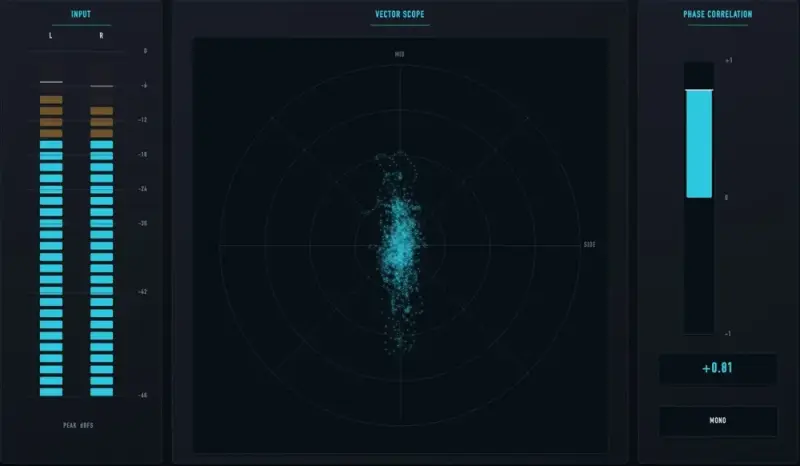
LT-Scope combines a stereo vectorscope, peak input meters, a large square stereo image display, phase correlation and a mono check button. The reviewer valued the scope’s clear view of stereo width and diffuseness, and the ability to check correlation and mono compatibility in the same window. He also considered it a useful replacement for the older PhaseScope, which had been a stock Pro Tools plugin but did not make the move to AAX.
Installation and compatibility details
Lydtrold’s Mac installer requires macOS 12 or later and runs on Intel or Apple Silicon. The plugin requirements differ from the installer requirements: Universal 2 plugins support Intel Macs from macOS 10.15 and Apple Silicon from macOS 11. Lydtrold advises users whose Macs cannot run the installer to contact support before downloading. Windows is also supported. The AAX DSP plugins have not been tested at 192 kHz, so users working at that sample rate should factor that limitation into a session plan.
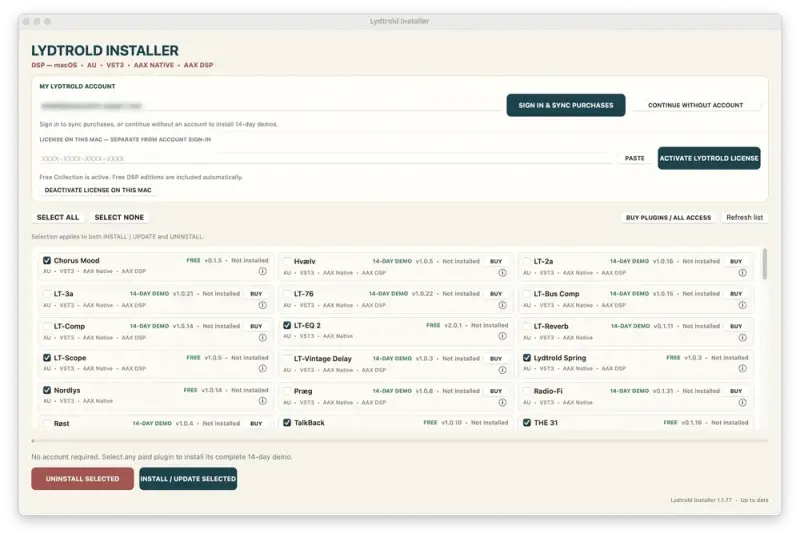
To obtain the free collection, visit Lydtrold’s free plugins page, choose the “Get All Free Plugins - €0” option, and submit an email address. The follow-up instructions include the installer choice and a license key. Select the AAX DSP download when that format is needed; the installer covers Lydtrold’s free and paid plugins, while the key selects the free products. The seven plugins are also available in AU and VST formats.
For HDX and Carbon users, the practical appeal is the range: basic track processing and stereo checks can stay on the DSP side of a session, with native editions available when needed. The Front End calls for particular care with input level, while the other tools offer focused controls for common mix tasks. Before installing, check the operating system and sample-rate requirements against the system you plan to use.