Pro Tools, Nuendo, Studio Pro and Logic Pro Stem Separation Compared
Four DAWs separate the same mix into drums, bass, vocals and other. Hear the results and weigh on-device processing against separation quality.
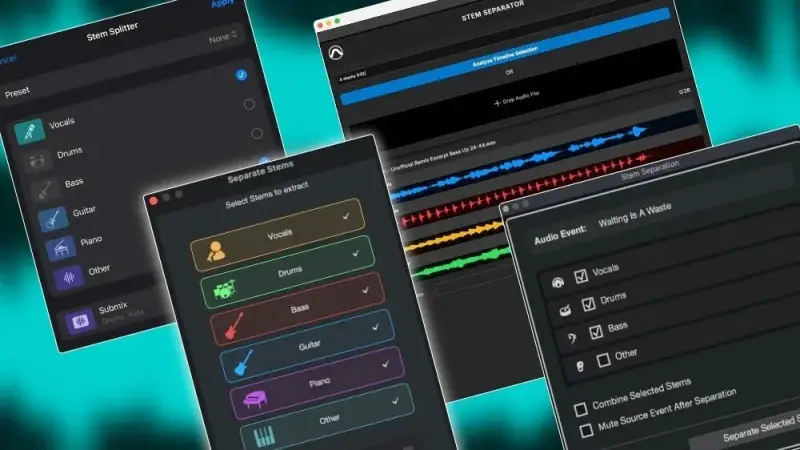
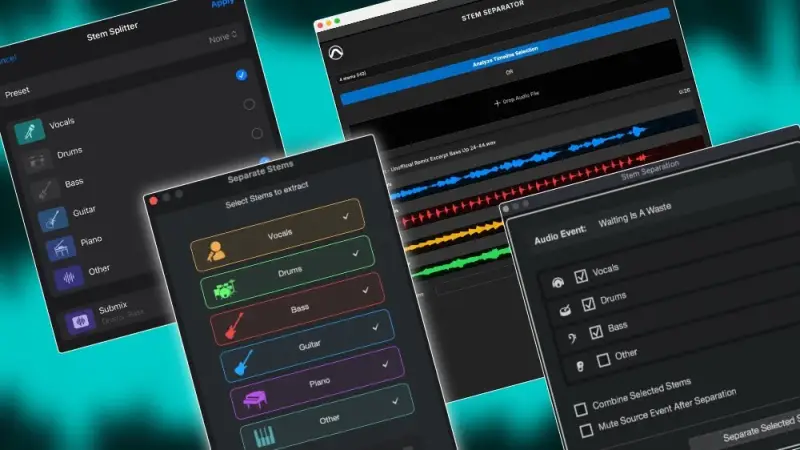
Built-in stem separation gives engineers a fast way to pull drums, bass, vocals and other material out of a finished mix. The practical question is how well each DAW handles the job, and whether processing audio on the studio computer is preferable to sending it to an external service. This comparison puts four workstation tools through the same test so you can listen for the artifacts and useful separation in each result.
Four DAWs, one mix excerpt
The test uses the same passage from a mix and the four-stem mode shared by Avid Pro Tools, Steinberg Nuendo, Fender Studio Pro and Apple Logic Pro. Each tool targets Drums, Bass, Vocals and Other; the original mix is also included as a reference. The accompanying audio examples let you compare how each workstation assigns shared sounds and handles the material left behind in each stem.
Stem separation in these DAWs runs offline on the device. The software analyzes the audio before producing stems, so the process isn’t an instant live effect even if the results arrive quickly. That workflow can suit editing and arrangement tasks: once separated, a part can be auditioned, muted or used as the basis for further work in the session. The test focuses on the sound of the outputs, rather than prescribing one tool as the winner.
Listen to the individual results
Avid Pro Tools Stem Separator
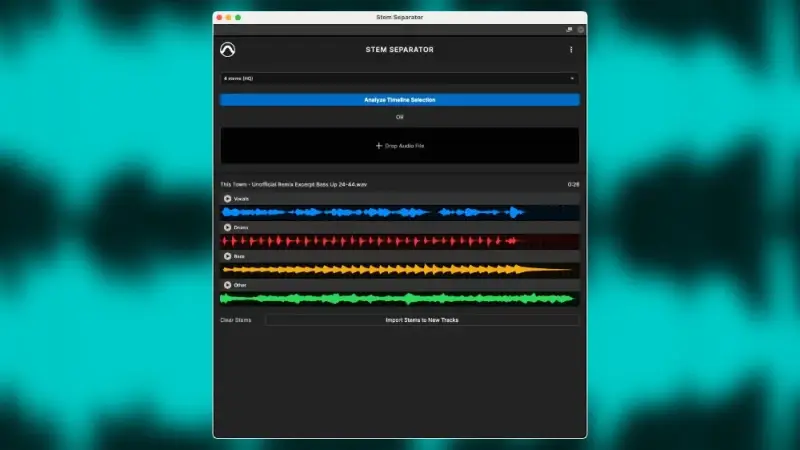
Pro Tools is the latest workstation in this group to add built-in separation, following a technical preview of its Stem Separator Extension at IBC 2026. The example here provides a useful point of comparison for engineers already working in Pro Tools sessions, where keeping the separation step inside the workstation may simplify a quick edit or a reference version.
Steinberg Nuendo Stem Separation
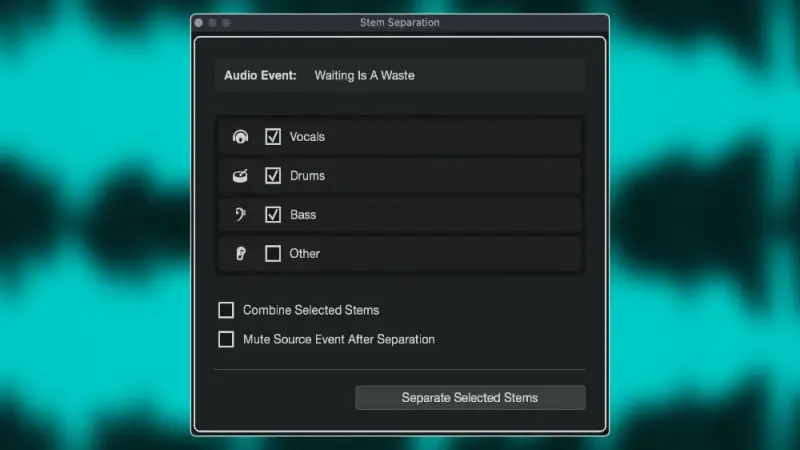
Nuendo’s output is drawn from the same four targets and mix passage as the other examples. Listen for how much of each intended part remains intact, and for sounds that appear in neighboring stems. That distinction matters when a separated track needs to stand on its own, but it can matter less when the goal is a quick instrumental bed or a rough edit.
Fender Studio Pro Separate Stems
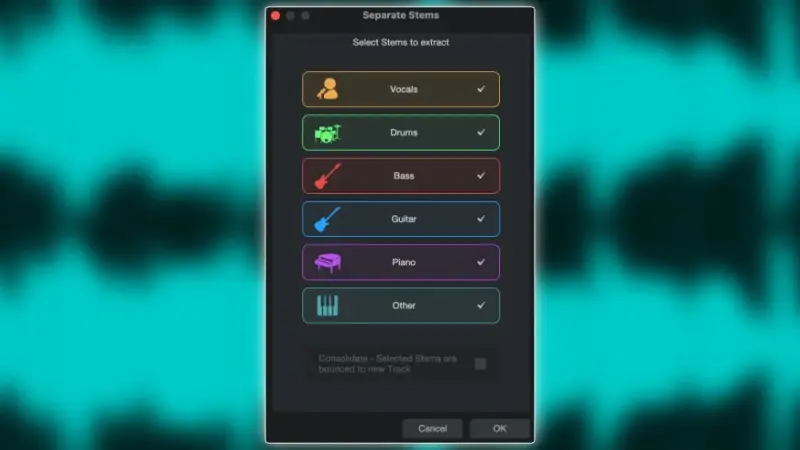
The Studio Pro example offers another on-device result to judge against the original. A stem can sound convincing in context while revealing residue or tonal smearing when soloed, so it’s useful to check both ways. The intended use should guide the decision: a stem for analysis or a working edit has different demands from material expected to pass as a clean standalone part.
Apple Logic Pro Stem Splitter
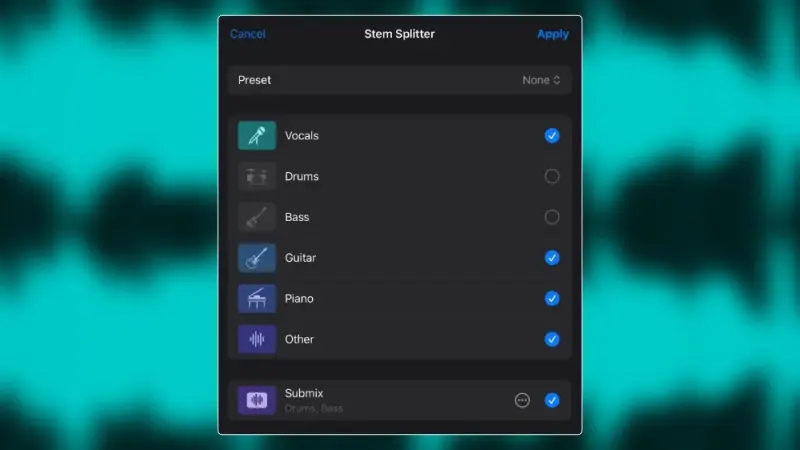
Logic Pro’s Stem Splitter completes the comparison. The four examples share a common source and stem layout, making it easier to hear differences in separation without changing the musical material. Try the stems in context as well as solo: remnants of an instrument can sometimes reinforce the combined result, even when they sound odd in isolation.
Choosing between local processing and upload services
Built-in DAW tools offer a straightforward workflow and keep the audio on the local machine. That can be valuable when working with client material that shouldn’t be sent to a third party. Upload-based services may produce better audio quality in some cases, but they require transferring the material outside the workstation. The choice turns on the job, the sound quality needed and the handling requirements for the audio.
These separators remain imperfect. Vocals or drums can sometimes emerge with striking clarity, while bass may become watery or lose definition. Other sounds may seem incomplete on their own yet sit more naturally in the mix because neighboring stems retain part of their character. Those outcomes make careful auditioning essential: check the isolated stem, then listen to it alongside the other separated parts.
For music editors, performers and engineers, the tools can speed up tasks such as making instrumental versions, studying an arrangement or preparing a bed mix for picture. They don’t remove the need to judge the result against the intended use. A quick working stem may be enough for a demo or edit, while a deliverable that must stand up alone calls for closer listening and possibly another method.
A useful step, with room to improve
Stem separation follows earlier tools such as iZotope’s Master Rebalance, introduced in 2019, and a growing range of plug-ins and offline services, including MVSEP. Pro Tools’ addition followed its technical preview at IBC 2026. Related audio software can also fill missing material or let users inspect and remove sounds through spectral editing, as shown by tools for filling gaps in audio.
The test track is “This Town,” written by Angelo Boltini, with an unofficial remix prepared for the comparison. Each DAW’s separation can be judged against the same musical passage, but the most useful result depends on what you need the stem to do next. Listen for the parts that remain clear, the artifacts that survive in context and whether local processing fits your workflow.